Clinic Health - Chair Utilisation Rate
How is chair utilisation rate calculated on the health screen?
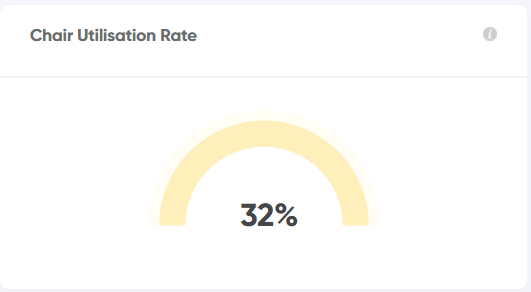
Chair Utilisation Rate
This is calculated as the percentage of available appointment book hours that have been used (excluding anything marked as non-worktime, eg. breaks).
For full details on how this is calculated, please see Utilisation Rate.
Note: If you have multiple clinics in Jeeve, the health screen offers the option to view aggregate data / totals across your group of clinics.
Related Articles
Utilisation Rate
How is utilisation rate calculated? Utilisation Rate Utilisation Rate shows the percentage of available appointment book hours that have been used (excluding anything marked as non-worktime, eg. breaks). Example John Smith's appointment book is open ...Clinic Health - Hourly Rate Leaders
How is hourly rate leaders calculated on the health screenHourly Rate Leaders On the Jeeve Health Screen - Hourly Rate Leaders displays the top 5 performers in terms of hourly rate. Hourly rate is calculated by dividing the total amount of production ...Reappointment Rate (Clinic)
How is Reappointment Rate calculated? Reappointment Rate This metric is calculated by taking the total number of patients who had an appointment within the selected date range, then determining what percentage of them have a follow-up appointment ...Clinic Health - Unscheduled Production
How is unscheduled production calculated on the health screen? On the Jeeve Clinic Health Screen - Unscheduled Production shows the dollar value of outstanding treatment plans associated with patients attending in the next 7 days (excludes today). ...Clinic Health - Total Visits
How is total visits calculated on the health screen? Total Visits On the Jeeve Health Screen - Total Visits shows the number of visits/appointments at the clinic for the current month to date. A daily average is also included beneath the total. The ...